[工具推荐] Giffgaff esim 卡申请
Giffgaff eSIM 申请与避坑指南:从注册到关闭语音信箱
本文将详细介绍如何申请 Giffgaff 手机卡,并在激活后进行关键设置,特别是如何关闭语音信箱以防止高额漫游费。
第一步:申请 SIM 卡
在申请之前,请注意以下区别:
- 官网直接申请:无赠送金额。
- 通过推荐链接申请:激活后账户会有 £5 赠金。
推荐通过以下链接申请:
https://www.giffgaff.com/freesim-international
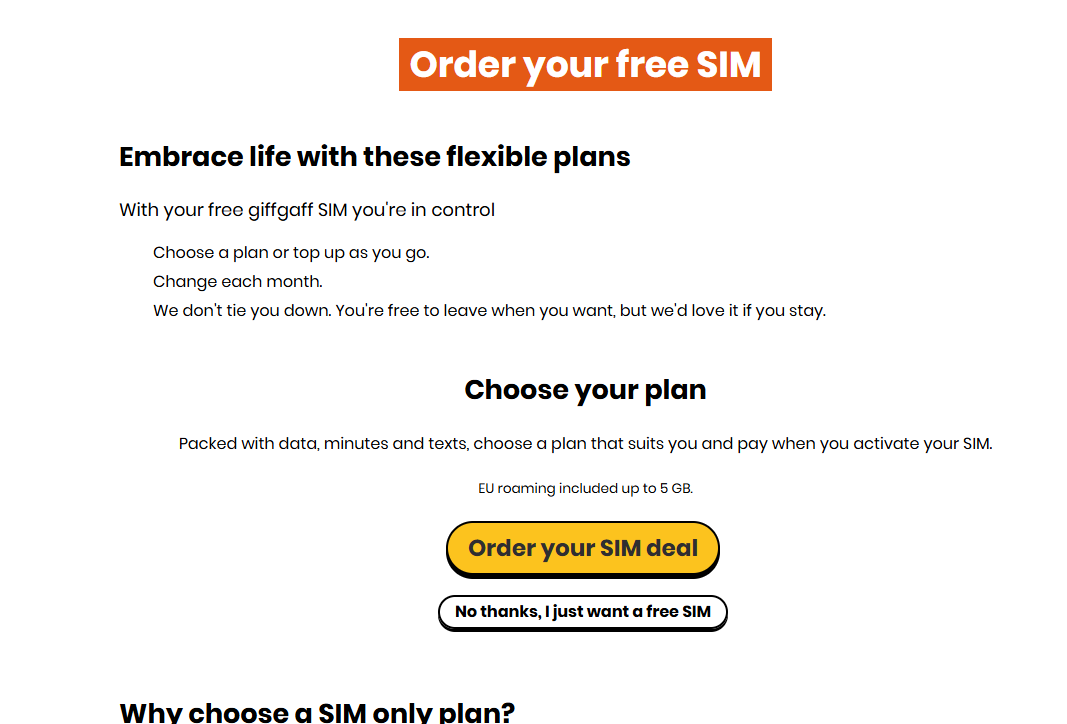
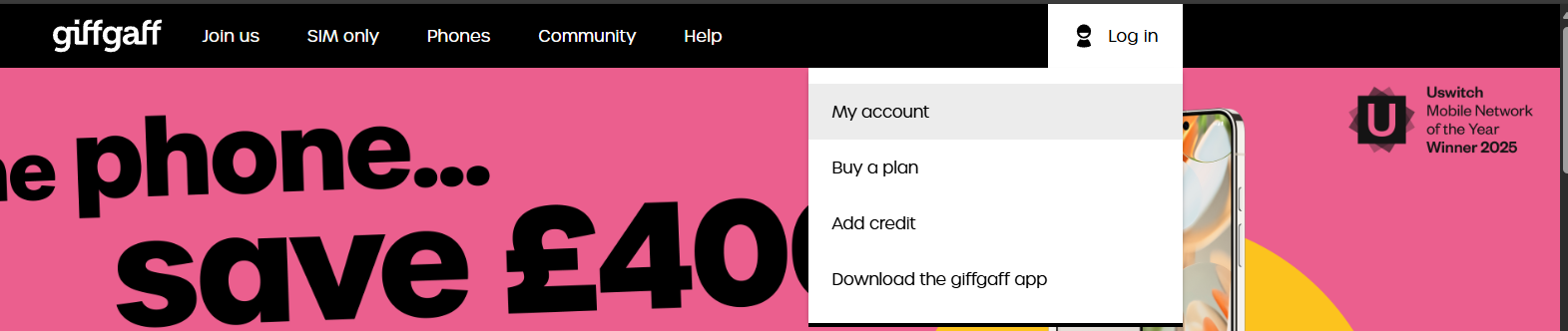
注册账户流程
- 进入页面后,根据提示填写信息。
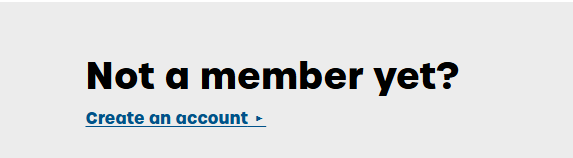
- 创建账户时,输入你的电子邮箱。
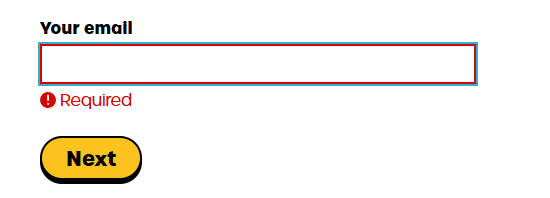
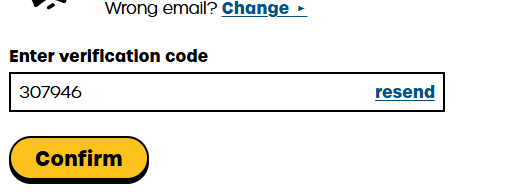
- 查收邮件验证码并填入。
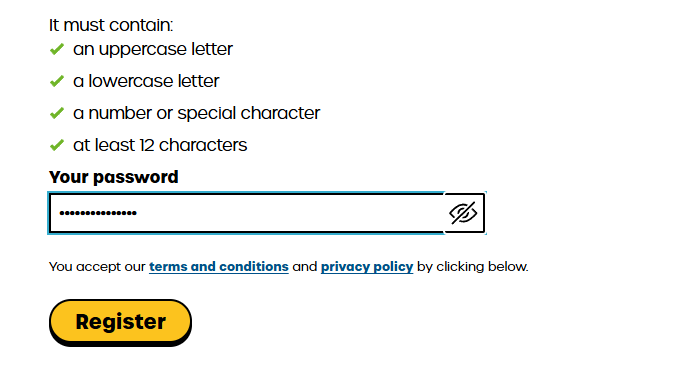
- 设置登录密码。
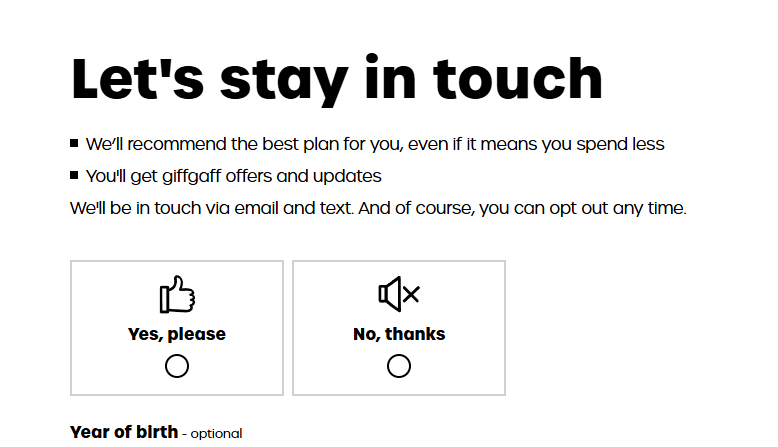
- 在营销选项页面,可以选择 “No thanks”。
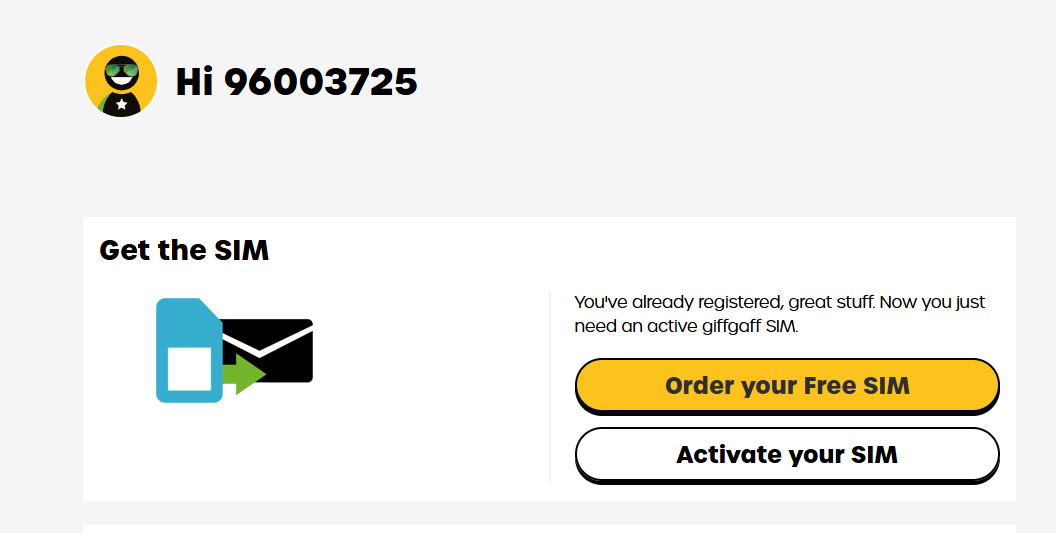
- 完成注册后,你会收到确认邮件,页面显示账户已创建。

第二步:激活与 eSIM 转换
当实体卡片邮寄到手后(或如果你选择直接购买套餐开通 eSIM),请执行以下操作:
- 在 Google Play 或 App Store 下载 Giffgaff App。
注意:打开 App 进行登录和操作时,通常需要开启网络代理工具。
- 登录账户并按照 App 提示激活 SIM 卡。
- 如果需要使用 eSIM,请在 App 设置中将实体卡转为 eSIM (Switch to eSIM),按照指引操作即可。
第三步:激活后的关键设置(必看)
取消语音信箱 (Voicemail)
这是最重要的一步。Giffgaff 的语音信箱在漫游状态下(例如在中国使用)如果被接通,即便你没有接听电话,也可能会产生高昂的漫游费用。建议长期在海外使用的用户向客服申请关闭该功能。
操作步骤如下:
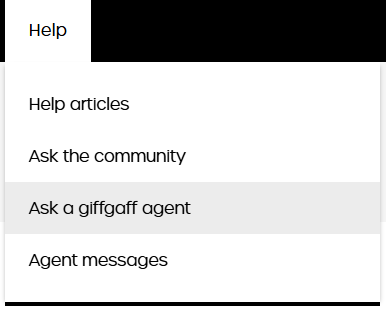
- 登录 Giffgaff 官网或 App,点击 Help。
- 选择 Ask a giffgaff agent。
- 点击 Show more,然后选择 Account Details, settings and features。

- 在分类中找到 Enabling or disabling services (adult content, service bars, roaming)。

- 进一步选择 Calls & texts。

- 此时系统可能会推荐自助解决方案,请跳过并点击底部的 No, I still need help(不要点 “That’s sorted it for me”)。
- 在 Other Information 的文本框中,复制并粘贴以下内容:
1 | I would like to disable the voicemail service for my mobile number. |
- 提交请求。
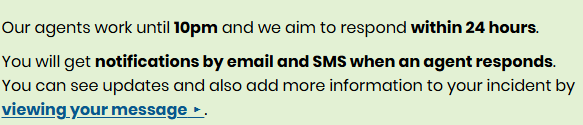
客服回复示例
通常在提交后 24 小时内,你会收到客服 (Agent) 的回复。内容大致如下,表示他们已经在系统端为你关闭了语音信箱:
1 | Hi Al, |